Discord Bot Example
Published by: UN6107617
A ready-to-use Discord bot built with discord.js v14 and the RBLXValue API.
Video Tutorial
Want to build your own RBLXValue Discord bot step by step? Watch the complete video tutorial below.
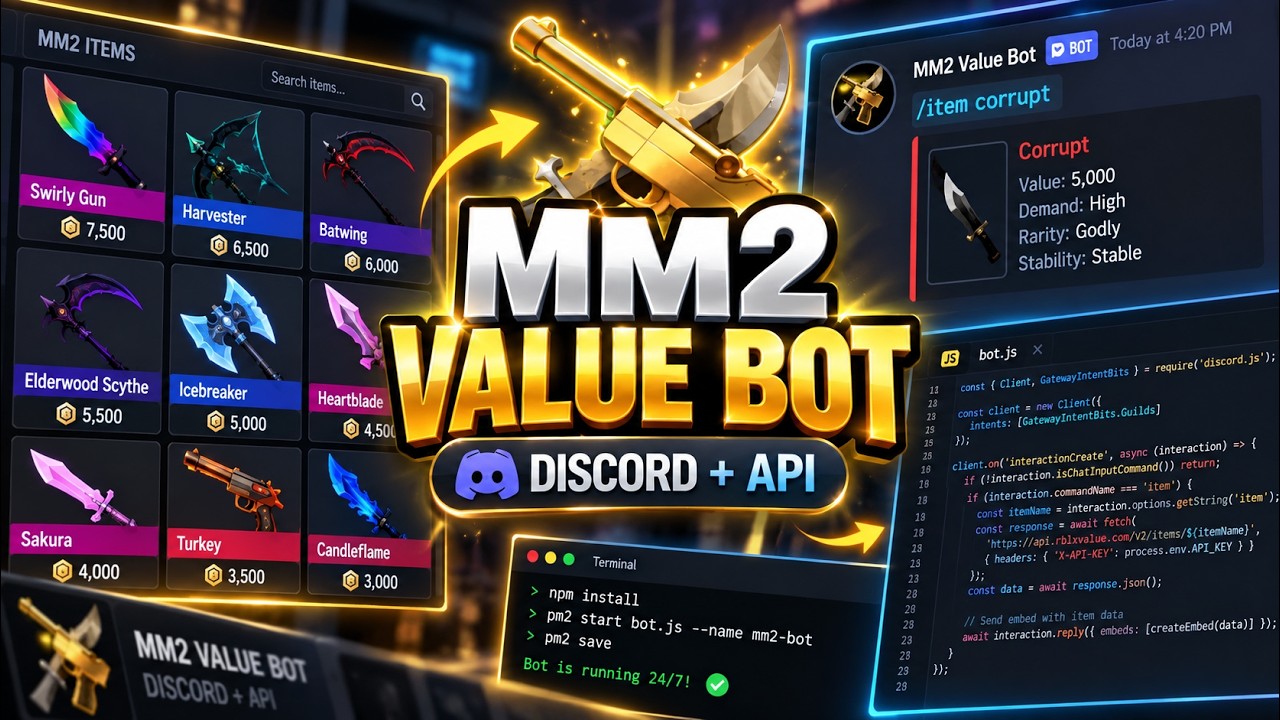
Quick Start
Clone the ready-made bot from GitHub:
git clone https://github.com/un6107617/mm2-value-discord-bot.git
cd mm2-value-discord-bot
npm install
cp .env.example .env
Fill in your .env:
DISCORD_BOT_TOKEN=your_bot_token_here
DISCORD_CLIENT_ID=your_client_id_here
RBLXVALUE_API_KEY=rbx_your_key_here
Then run:
node bot.js
Commands
| Command | Description | Requires API key |
|---|---|---|
/item [name] | Item value, demand, stability | Yes (free key works) |
/set [name] | Set total value and item list | Yes (free key works) |
/profile [username] | User profile and inventory | Yes (free key works) |
Prerequisites
- Node.js 20+
- A Discord bot token — discord.com/developers
- A free RBLXValue API key — rblxvalue.com/developer
Bot Code
require('dotenv').config();
const {
    Client, GatewayIntentBits, REST, Routes,
    SlashCommandBuilder, EmbedBuilder, ActionRowBuilder, ButtonBuilder, ButtonStyle
} = require('discord.js');

const TOKEN     = process.env.DISCORD_BOT_TOKEN;
const CLIENT_ID = process.env.DISCORD_CLIENT_ID;
const API_KEY   = process.env.RBLXVALUE_API_KEY;
const FOOTER    = 'Data from rblxvalue.com';

async function apiRequest(path) {
    const res = await fetch('https://rblxvalue.com/api/v1' + path, {
        headers: { 'X-Api-Key': API_KEY },
        signal: AbortSignal.timeout(5000),
    });
    return res.json();
}

function fmtVal(v) {
    if (!v) return '?';
    v = parseInt(v);
    if (v >= 1000000) return (v / 1000000).toFixed(1) + 'M';
    if (v >= 1000)    return (v / 1000).toFixed(1) + 'k';
    return v.toLocaleString();
}

function demandBar(d) {
    d = Math.min(Math.max(parseInt(d) || 0, 0), 10);
    return '█'.repeat(d) + '░'.repeat(10 - d) + ` ${d}/10`;
}

const commands = [
    new SlashCommandBuilder()
        .setName('item')
        .setDescription('Look up an MM2 item value')
        .addStringOption(o => o.setName('name').setDescription('Item name or slug').setRequired(true)),
    new SlashCommandBuilder()
        .setName('set')
        .setDescription('Look up an MM2 set value')
        .addStringOption(o => o.setName('name').setDescription('Set name').setRequired(true)),
    new SlashCommandBuilder()
        .setName('profile')
        .setDescription('Look up a RBLXValue user profile')
        .addStringOption(o => o.setName('username').setDescription('Roblox username').setRequired(true)),
].map(c => c.toJSON());

const rest = new REST({ version: '10' }).setToken(TOKEN);
rest.put(Routes.applicationCommands(CLIENT_ID), { body: commands })
    .then(() => console.log('Commands registered'))
    .catch(console.error);

const client = new Client({ intents: [GatewayIntentBits.Guilds] });

client.once('clientReady', () => {
    console.log(`Ready: ${client.user.tag}`);
    client.user.setPresence({
        activities: [{ name: '/item | rblxvalue.com', type: 2 }],
        status: 'online',
    });
});

client.on('interactionCreate', async interaction => {
    if (!interaction.isChatInputCommand()) return;
    await interaction.deferReply();

    const { commandName } = interaction;

    if (commandName === 'item') {
        const name = interaction.options.getString('name');
        const slug = name.toLowerCase().replace(/\s+/g, '-');

        let item = null;
        let suggestions = [];

        const bySlug = await apiRequest(`/items?slug=${encodeURIComponent(slug)}`);
        if (!bySlug.error && bySlug.item) {
            item = bySlug.item;
        } else {
            const bySearch = await apiRequest(`/items?search=${encodeURIComponent(name)}&limit=5`);
            if (!bySearch.error && bySearch.items?.length > 0) {
                item = bySearch.items[0];
                suggestions = bySearch.items.slice(1).map(i => i.name);
            }
        }

        if (!item) return interaction.editReply({ content: `❌ Item not found: **${name}**` });

        const srcA = parseInt(item.value_source_a) || parseInt(item.value) || 0;
        const srcB = parseInt(item.value_source_b) || parseInt(item.value) || 0;
        const est  = Math.round((srcA + srcB) / 2);

        const embed = new EmbedBuilder()
            .setColor(0x3b82f6)
            .setTitle(item.name)
            .setURL(`https://rblxvalue.com/item/${item.slug}`)
            .addFields(
                { name: '💎 Est. Value',  value: fmtVal(est),             inline: true },
                { name: '🏷️ Category',   value: item.category || '—',    inline: true },
                { name: '📈 Stability',   value: item.stability || '—',   inline: true },
                { name: '🔵 MM2Values',   value: fmtVal(srcA),            inline: true },
                { name: '🟣 Supreme',     value: fmtVal(srcB),            inline: true },
                { name: '\u200b',         value: '\u200b',                inline: true },
            )
            .setFooter({ text: FOOTER })
            .setTimestamp();

        if (item.demand > 0) embed.addFields({ name: '📊 Demand', value: demandBar(item.demand) });
        if (suggestions.length > 0) embed.addFields({ name: '🔍 Other matches', value: suggestions.join('\n') });
        if (item.image_url) embed.setThumbnail(item.image_url);

        const row = new ActionRowBuilder().addComponents(
            new ButtonBuilder()
                .setLabel('View on RBLXValue')
                .setURL(`https://rblxvalue.com/item/${item.slug}`)
                .setStyle(ButtonStyle.Link)
        );

        return interaction.editReply({ embeds: [embed], components: [row] });
    }

    if (commandName === 'set') {
        const name = interaction.options.getString('name');
        const bySearch = await apiRequest(`/sets?search=${encodeURIComponent(name)}&limit=5`);
        let set = null;

        if (!bySearch.error && bySearch.sets?.length > 0) {
            const query  = name.toLowerCase();
            const scored = bySearch.sets.map(s => {
                const sname = s.name.toLowerCase();
                let score = sname === query ? 100 : sname.startsWith(query) ? 80 : sname.includes(query) ? 60 : 0;
                if (!query.includes('chroma') && sname.includes('chroma')) score -= 30;
                return { ...s, _score: score };
            }).sort((a, b) => b._score - a._score);

            const full = await apiRequest(`/sets?slug=${encodeURIComponent(scored[0].slug)}`);
            set = (!full.error && full.set) ? full.set : scored[0];
        }

        if (!set) return interaction.editReply({ content: `❌ Set not found: **${name}**` });

        const embed = new EmbedBuilder()
            .setColor(0x8b5cf6)
            .setTitle(set.name)
            .setURL(`https://rblxvalue.com/sets/${set.slug}`)
            .addFields(
                { name: '💎 Total Value', value: fmtVal(set.total_value), inline: true },
                { name: '📦 Items',       value: String(set.item_count || 0), inline: true },
            )
            .setFooter({ text: FOOTER })
            .setTimestamp();

        if (set.items?.length > 0) {
            const lines = set.items.slice(0, 15).map(i => {
                const a   = parseInt(i.value_source_a) || parseInt(i.value) || 0;
                const b   = parseInt(i.value_source_b) || parseInt(i.value) || 0;
                const est = Math.round((a + b) / 2);
                return `**${i.name}** — ${fmtVal(est)}`;
            });
            if (set.items.length > 15) lines.push(`*...and ${set.items.length - 15} more*`);
            embed.addFields({ name: 'Items in this set', value: lines.join('\n') });
        }
        if (set.image_url) embed.setThumbnail(set.image_url);

        const row = new ActionRowBuilder().addComponents(
            new ButtonBuilder()
                .setLabel('View on RBLXValue')
                .setURL(`https://rblxvalue.com/sets/${set.slug}`)
                .setStyle(ButtonStyle.Link)
        );

        return interaction.editReply({ embeds: [embed], components: [row] });
    }

    if (commandName === 'profile') {
        const username = interaction.options.getString('username');
        const data = await apiRequest(`/profile?username=${encodeURIComponent(username)}`);

        if (data.error || !data.profile) return interaction.editReply({ content: `❌ Profile not found: **${username}**` });

        const p = data.profile;
        const embed = new EmbedBuilder()
            .setColor(0x3b82f6)
            .setTitle(`${p.display_name} (@${p.username})`)
            .setURL(p.profile_url)
            .addFields(
                { name: '💎 Inventory Value', value: p.inventory_public ? fmtVal(p.total_value) : 'Private', inline: true },
                { name: '📦 Items',           value: p.inventory_public ? String(p.item_count) : 'Private',  inline: true },
                { name: '🏆 Badge',           value: p.top_badge_label || 'None',                            inline: true },
            )
            .setFooter({ text: FOOTER })
            .setTimestamp();

        if (p.avatar_url) embed.setThumbnail(p.avatar_url);

        const row = new ActionRowBuilder().addComponents(
            new ButtonBuilder()
                .setLabel('View Profile')
                .setURL(p.profile_url)
                .setStyle(ButtonStyle.Link),
            new ButtonBuilder()
                .setLabel('Roblox Profile')
                .setURL(`https://www.roblox.com/users/${p.roblox_id}/profile`)
                .setStyle(ButtonStyle.Link),
        );

        return interaction.editReply({ embeds: [embed], components: [row] });
    }
});

client.login(TOKEN);
Run
Save the code above as bot.js in your project folder, then start the bot:
node bot.js
On startup the bot registers its slash commands and logs Ready: <bot>. Global slash commands can take up to an hour to appear in Discord the first time — invite the bot with both the bot and applications.commands scopes so the / commands show up. To keep it online 24/7, run it under a process manager such as PM2:
npm install -g pm2
pm2 start bot.js --name mm2-bot
pm2 save
A free API key supports 30 requests per minute — enough for most small bots. Get one at rblxvalue.com/developer.